Features
Every part of the build, in plain sight.
Bring your own AI, edit on the canvas, try it on staging and ship it to live — with logins, a database and backups already in place. The studio does the infrastructure. You do the idea.
- Bring your own AI
- Visual editor
- Staging and live
- Logins and 2FA
Your AI
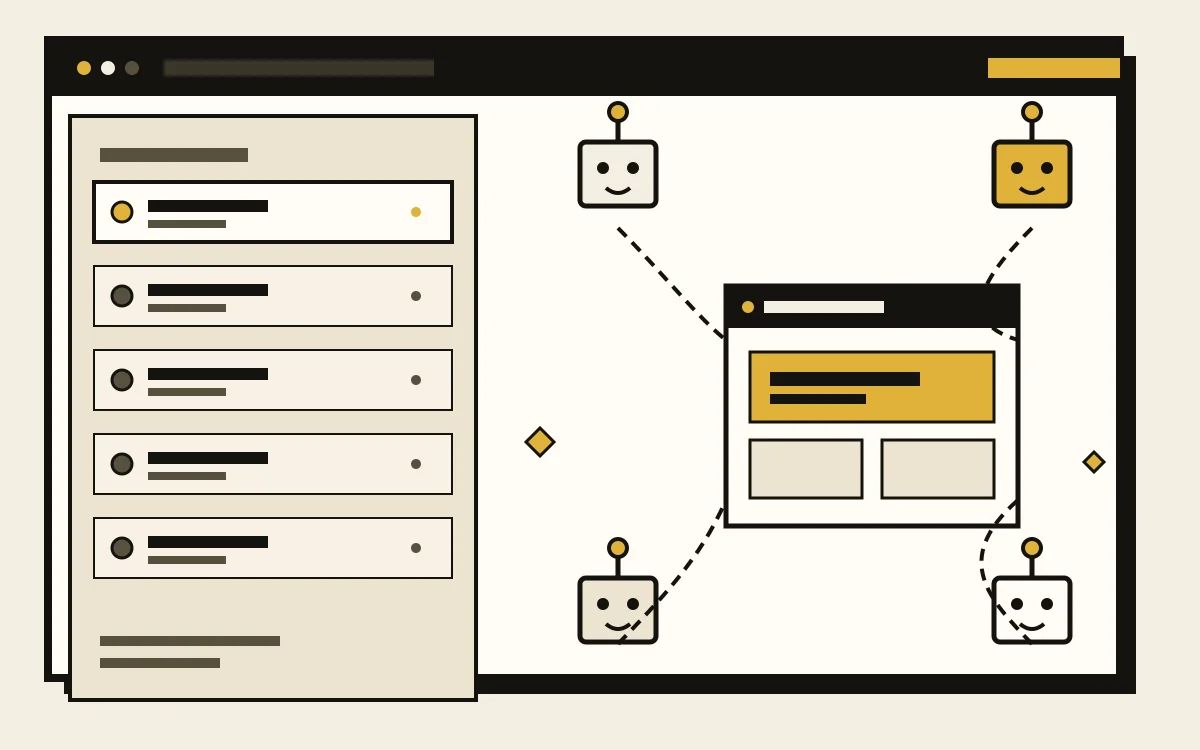
Connect any AI model you trust.
BringIT builds with the AI plan you already pay for: Claude, Codex, Kimi, Gemini, or another model you trust. No credits to buy from us, no tokens marked up, no lock-in to one company’s roadmap.
When a better model ships, point the studio at it. Your briefs, files and code stay where they are — the model is a tool, not the landlord.
- Your AI account, your bill. We never resell the tokens.
- Switch models when a better one lands; the site stays put.
- Plain-English prompts, not a new language to learn.
AI editor
Ask the AI. It edits your code.
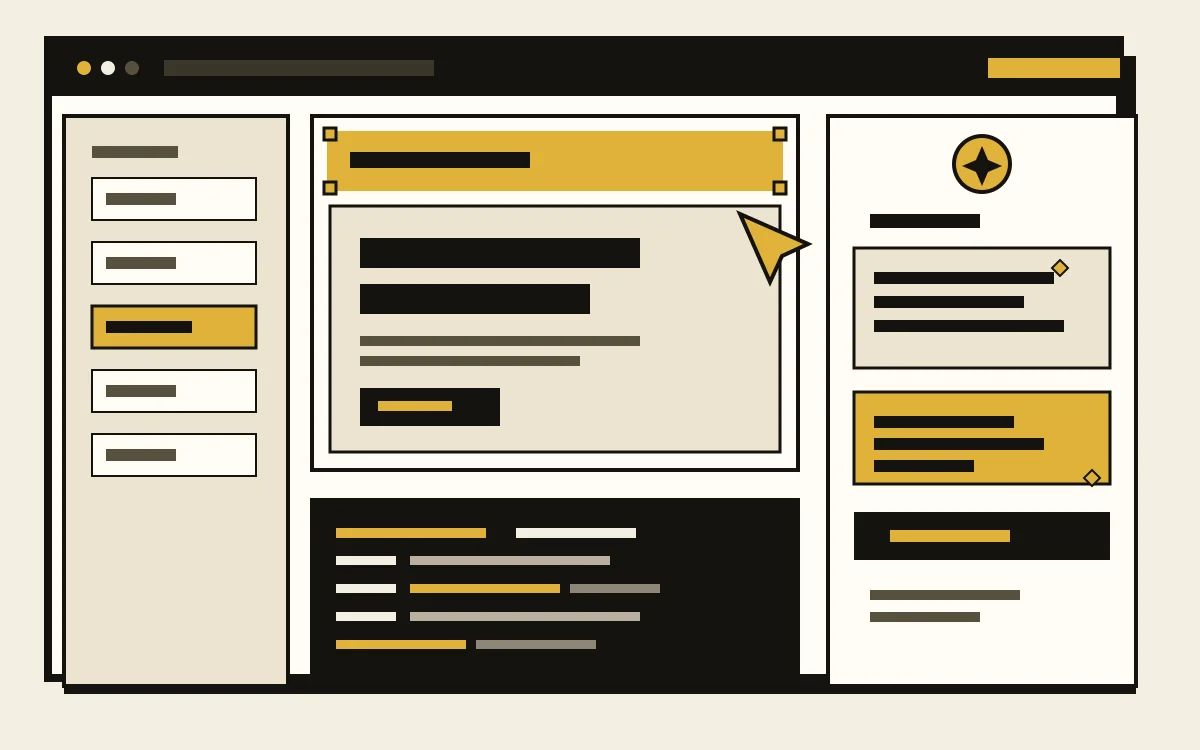
The AI editor is a visual studio with a real code editor underneath. Click the headline and type, drag a section into place, or open the files and change them yourself — the page and the code stay in step.
Ask the AI for a bigger change in plain words, and it writes the code for you: a new section, a different layout, a block that repeats. Keep it or undo it — history runs 7 days on Site, 15 on App and 30 on Pro App.
- Click, type, undo — or ask the AI and it edits the code.
- Layers and a properties panel for small changes; the code editor for bigger ones.
- The canvas and the files stay in step — your export is the site.
Secured logins
Logins that are safe by default.
App and Pro App give your visitors real accounts: sign-up, sign-in, password resets and two-factor authentication, without adding an auth provider or a password spreadsheet.
Sessions run over HTTPS, passwords are stored hashed, and roles decide who can read, edit or manage. You own the user data, in your own database.
- Unlimited user accounts on App and Pro App.
- Two-factor authentication, roles and permissions built in.
- No auth service to wire up, and no extra bill for it.
Staging and live
Staging and live, with a database each.
Every project gets a staging copy with its own address and its own database. Try the new checkout, invite the client, import messy data — real customers never see it.
When it is right, publish: the same code goes live, promoted rather than rebuilt. The editor, staging and live stay in step, and each database keeps its own data.
- Staging and live each have their own database, so test data stays test data.
- Share the staging address with a client before anything goes public.
- Publish when you are ready — no separate deploy pipeline to maintain.
Also in the box
The rest, already handled.
No add-ons, no plugins, no surprise line on the invoice.
Hosting and HTTPS
Served from a global CDN with SSL issued and renewed. No server to patch.
Your own domain
Connect a domain you own; the DNS and the certificate are handled for you.
Daily backups
A daily copy of every site, ready when a page or a whole project needs to go back.
Search-ready pages
Real HTML, clean titles, structured data, a sitemap and RSS. Search gets the whole picture.
Payments
Cards, deposits and subscriptions on App and Pro App, wired into the build.
Your code
Download everything at any time. Stay because it works, not because leaving is hard.
See it with your own brief.
Tell us what you are building. We will show you the studio, the editor and the staging flow on your idea — before you pick a plan.